
Why your WordPress site needs proactive maintenance (even when it looks fine)

We often get called or emailed to fix something as simple as “my header isn’t loading correctly” or “the events page is broken.” Then we log in and find a site with hundreds or thousands of spam comments, 10, 20, 30 plugins out of date, and usually a malware infection.
These things pile up and add up over time. By the time something on the front of the site breaks, it’s not only performing poorly, it’s exposing real customer and user data to hackers.
And most of the time the owner had no idea. A lot of business owners (and even corporate marketers) just don’t know what to look for. The site appears to be working fine… until it’s not.
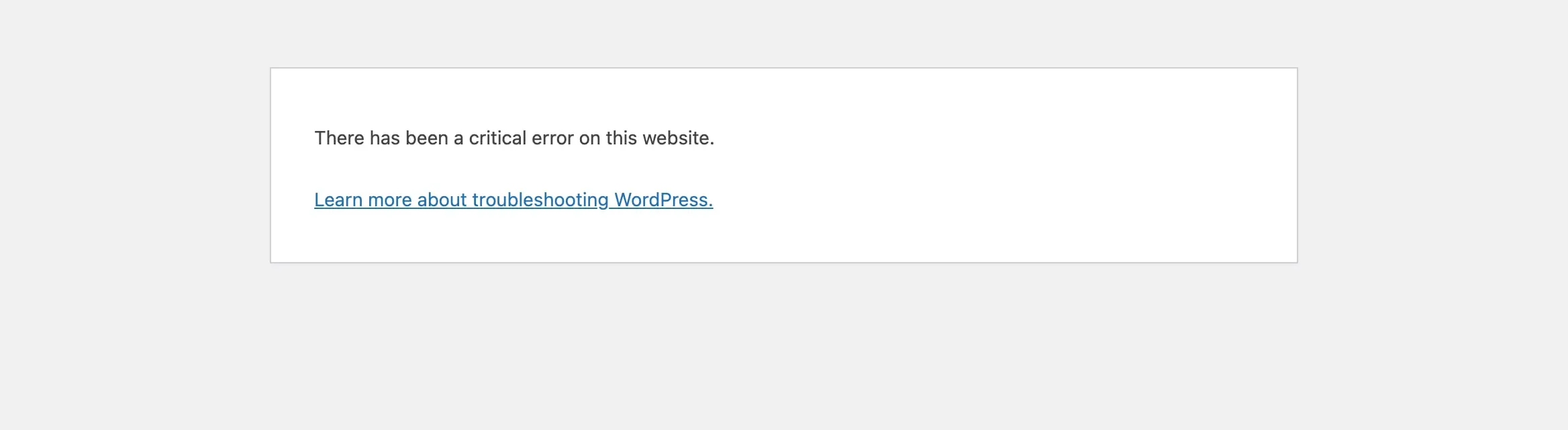
What we find when we log in
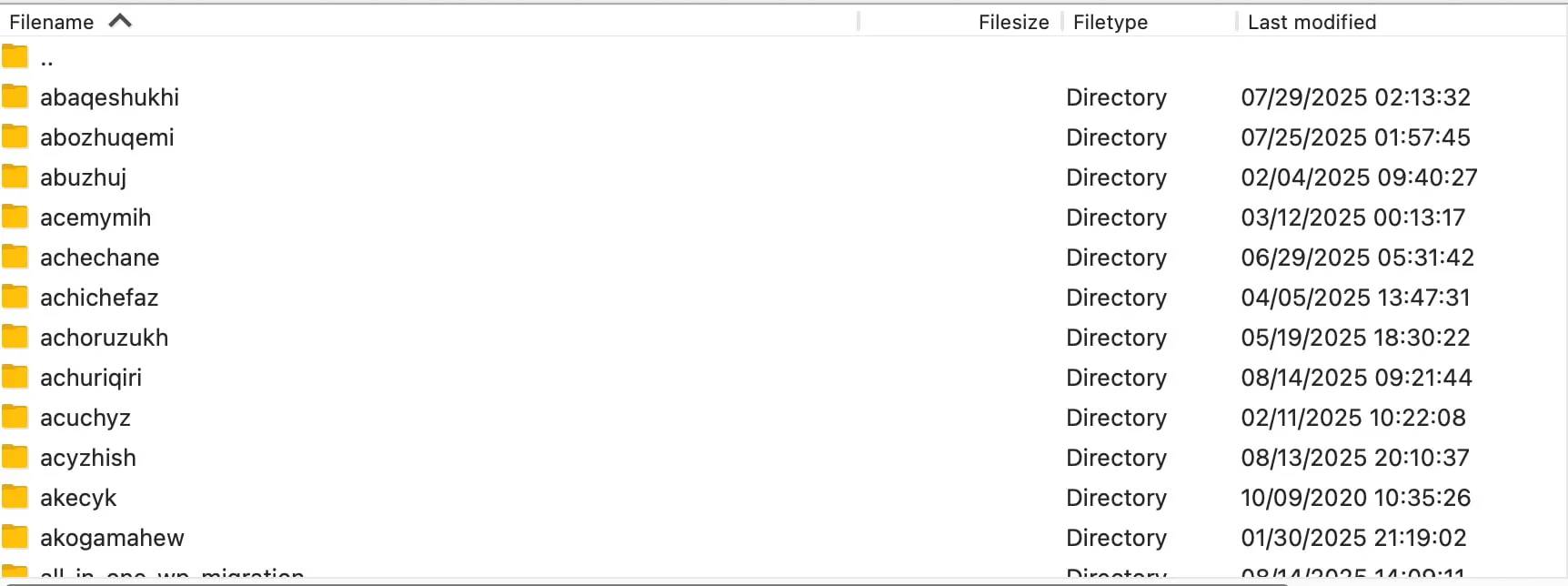
Malware. Tucked into plugins and folders with names nobody would look at twice.
Admin accounts that don’t belong to the business or the team. These come from malware and hacks, so if you find one, something else is probably wrong too.
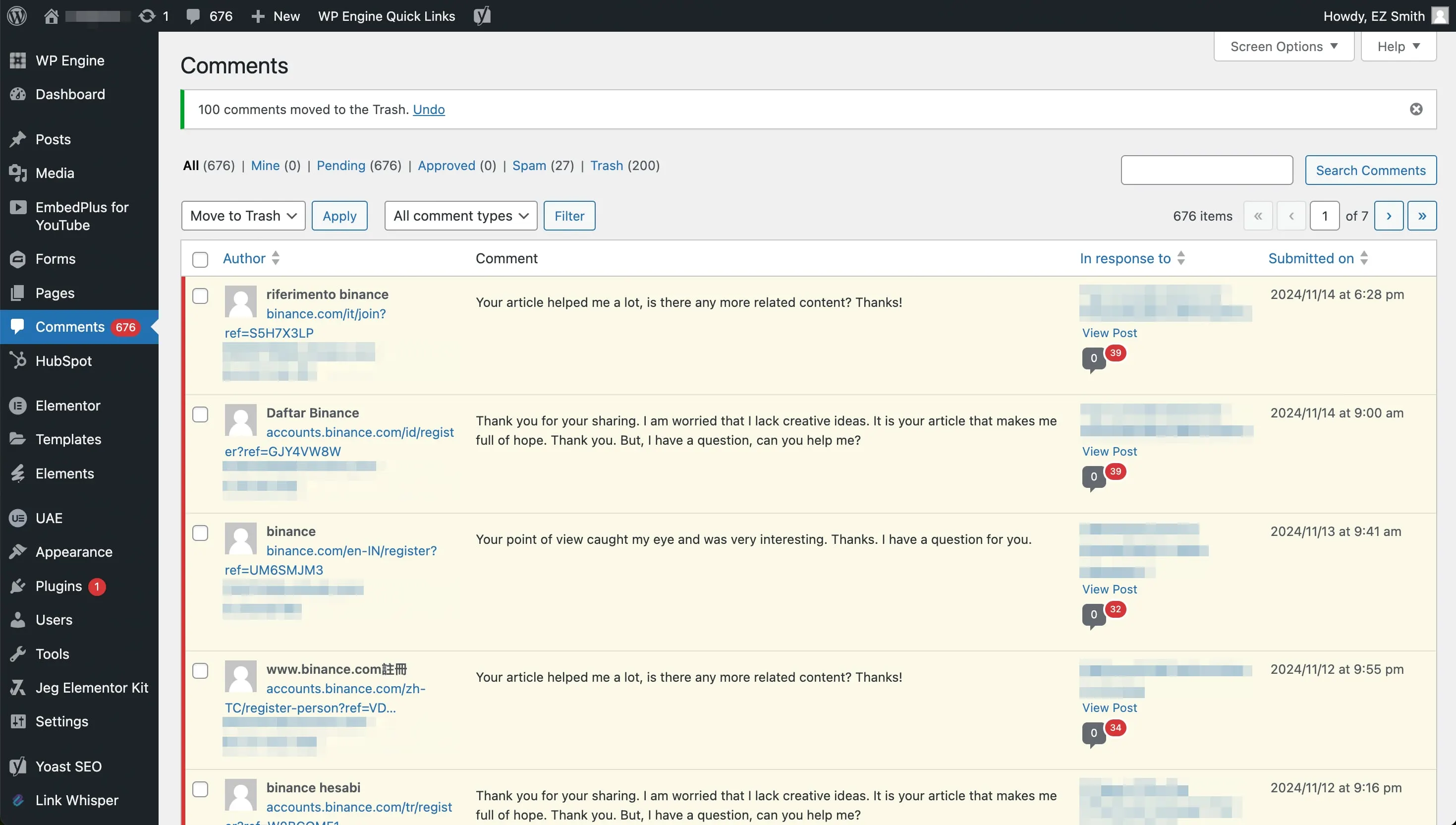
Spam comments. Not usually a dire issue on its own, but they build up in the database even if they’re not shown anywhere on the site. We see this a lot where comments are open but not set to show on any page, so it’s easy for them to go unnoticed.
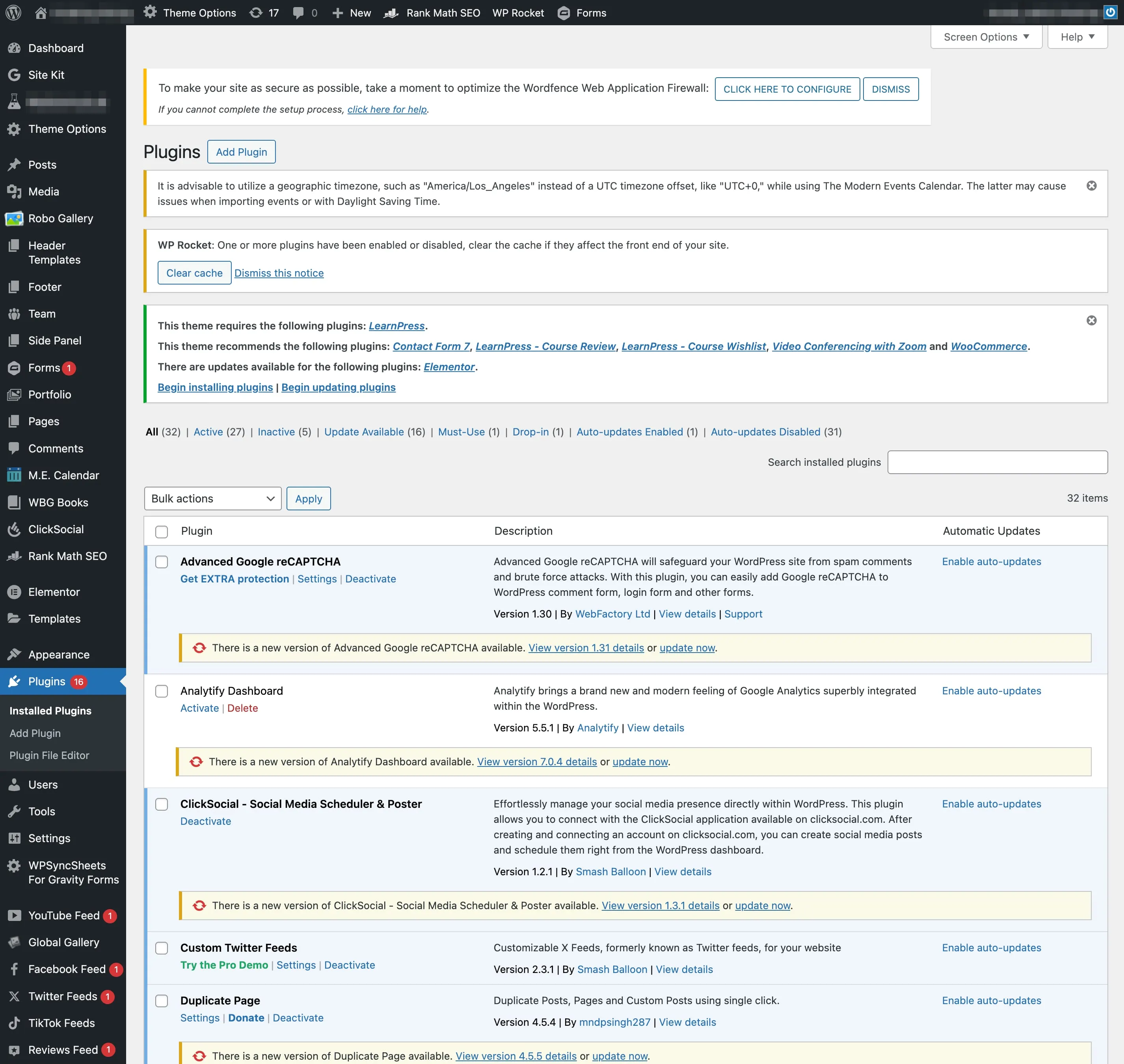
Plugins way out of date. Out-of-date plugins can leave a site open to known exploits. And WordPress has such a large share of the web that it’s a wide, easy target for bots, AI tools and bad actors.
Contact forms that aren’t actually submitting. This is the less scary stuff that still matters a lot. Sometimes it’s a change in email deliverability (not strictly a WordPress thing, but it still needs a pro to review and fix it). Sometimes it’s an API key or plugin license that lapsed.
Premium plugins nobody’s paying for anymore. Or worse, the site was built with a bunch of premium, licensed plugins, and the original developer or designer is long gone and let those subscriptions lapse. The client may not even know they existed.
WP File Manager. We find this one often. Someone installed it to do file or code work on the site, kind of like FTP from inside the dashboard. It’s a massive security hole and we never recommend it. Anyone who gets into your dashboard can edit any file on the server. When we find it (or anything like it), we remove it, then work with the client to figure out why they were using it and what they were actually trying to do.
How we handle it
Updates, multiple times a week if needed. Proactive used to mean updates every other week: WordPress core, all plugins and themes, tested. Now it’s moving to multiple times a week, as needed, because there are more new exploits being found across the entire web, not only WordPress.
Two layers of backups. This is the biggest thing. We usually have one layer at the host (WP Engine, Rocket.net, etc.) and offsite backups through another service for redundancy. So if an update does cause a fatal error or a serious compatibility issue, we’ve got two ways to roll back.
Patchstack. We run automatic mitigation for new vulnerabilities and exploits through Patchstack.
Cloudflare. We highly recommend moving every site’s DNS to Cloudflare for extra security (and performance).
Only what’s needed stays on. We routinely review active plugins, themes and users so only the necessary stuff is active on the site.
Only the people who need access have it. We check active users and their roles. Only people who still need the site keep their access, and their access level is no higher than what they actually use the WordPress admin for.
A way out if something goes really badly. We push for hosting account access, server-level (SSH) access, DNS management through the registrar or Cloudflare, and on corporate sites, working with the internal IT team. We don’t have this for every site. But when we do, we can roll back or move the site somewhere else if we have to.
Check your own site
Log in to your WordPress dashboard and look at these.
Your plugins. Look for anything suspicious:
- No author shown, or no link to the author or publisher
- A strange name, or a generic “helpful” one nobody remembers installing (we’ve found malware posing as “Site Performance Companion”)
- No “View details” link, meaning it isn’t in the WordPress.org plugin directory
Your users, especially admins. Make sure you recognize every name and email, and that each person still works there or still needs access (a current vendor, partner, developer, etc.). If not, delete them and run a malware scan.
Your comments. Even if your site doesn’t show comments anywhere, open the Comments screen and see what’s piling up.
Your contact form. Fill it out yourself and make sure the email actually shows up.
If anything looks off and you’d rather not dig into it yourself, reach out and we’ll do a site audit and cleanup.
Want us to keep an eye on it?
Already have a site? Care plans from $200/mo. Hosting, updates, backups, security, hacked site repair, and changes, handled.
See WordPress Care Plans, or bring your questions to Open Hours and we’ll take a look with you.